Boot the Duo
Prepare
- Necessary
- Duo
- microSD, larger than 1GB
- Type-C cable
- Optional
- USB to TTL serial cable
Download images and tools
- Download the system image from Official Image and SDK.
- Download the flash tool, balenaEtcher or Rufus.
Write images
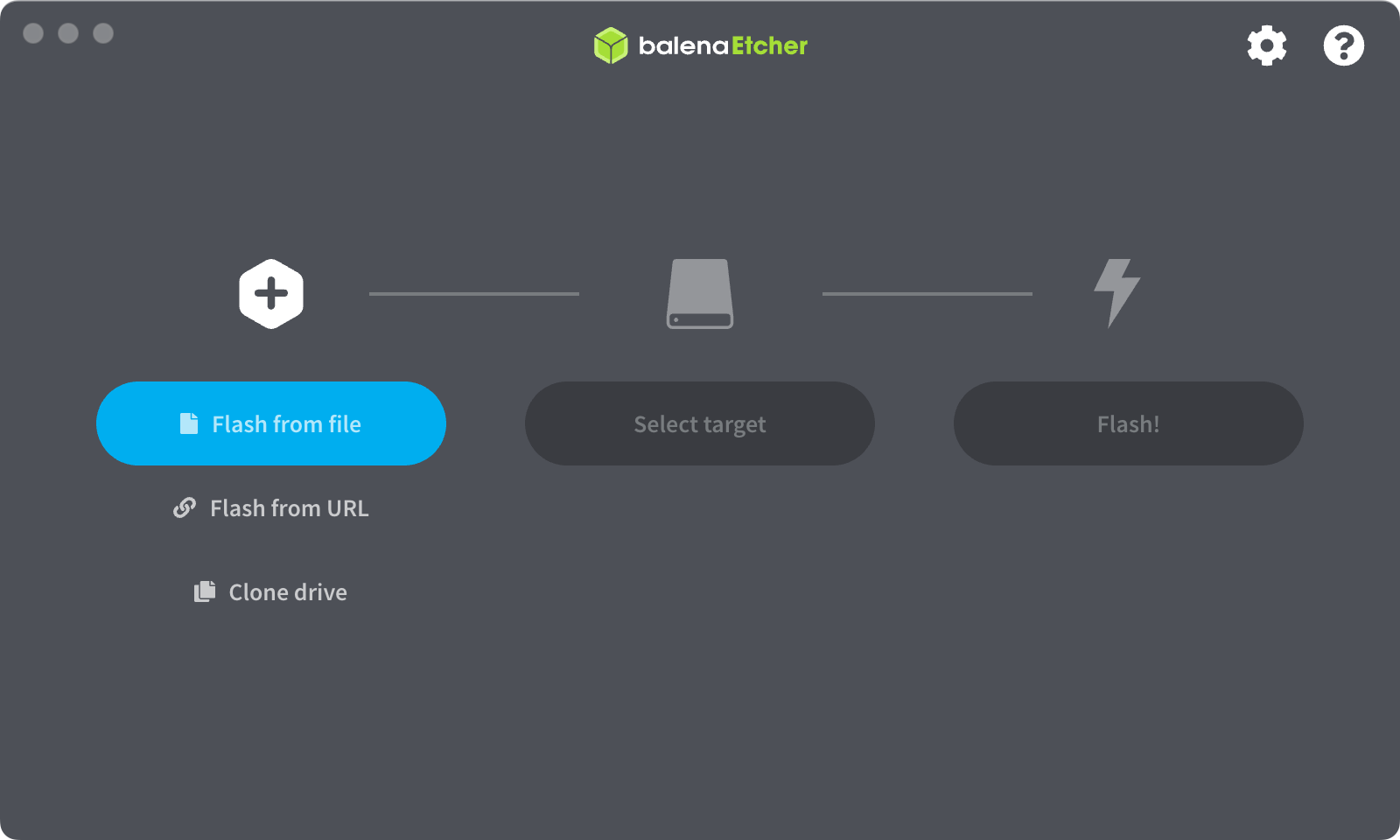
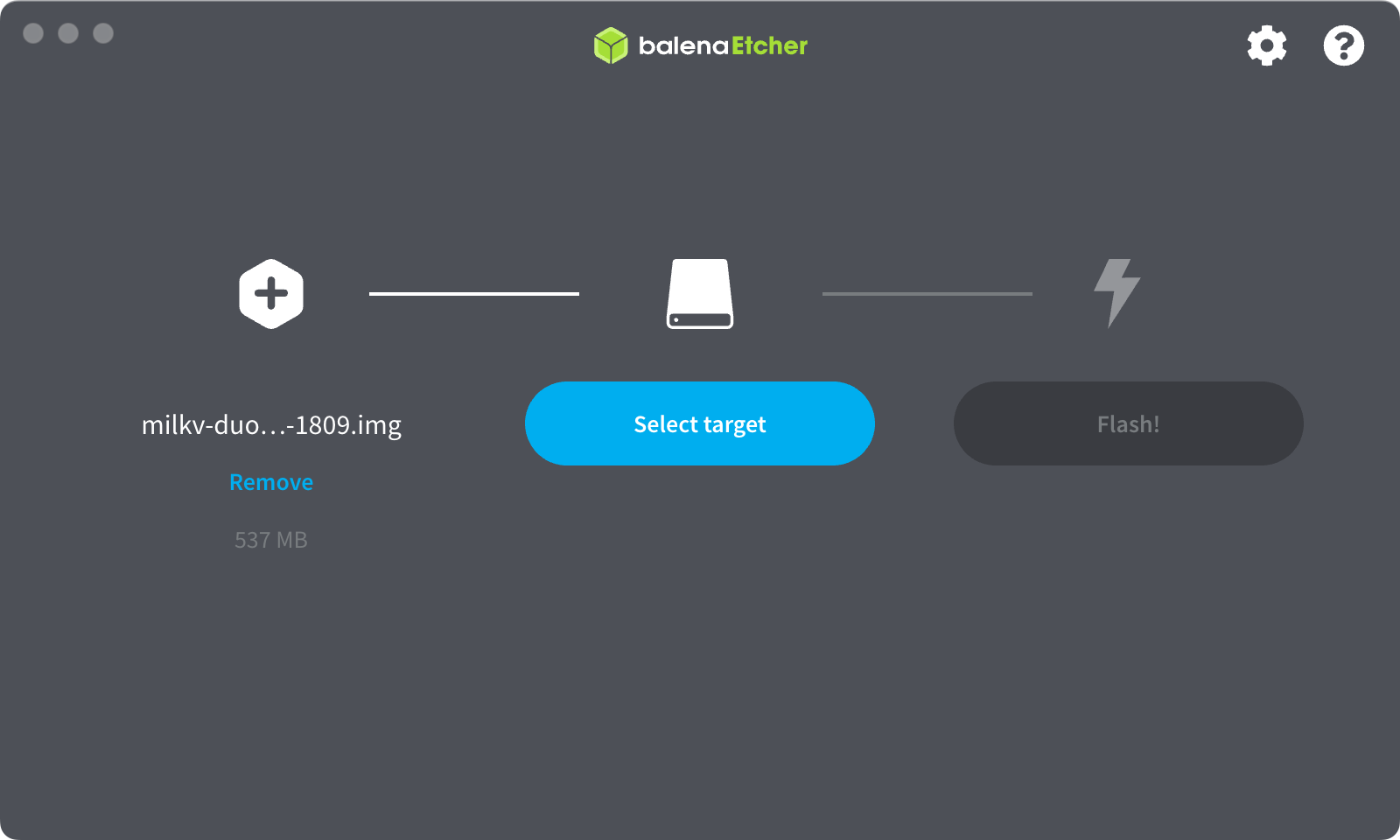
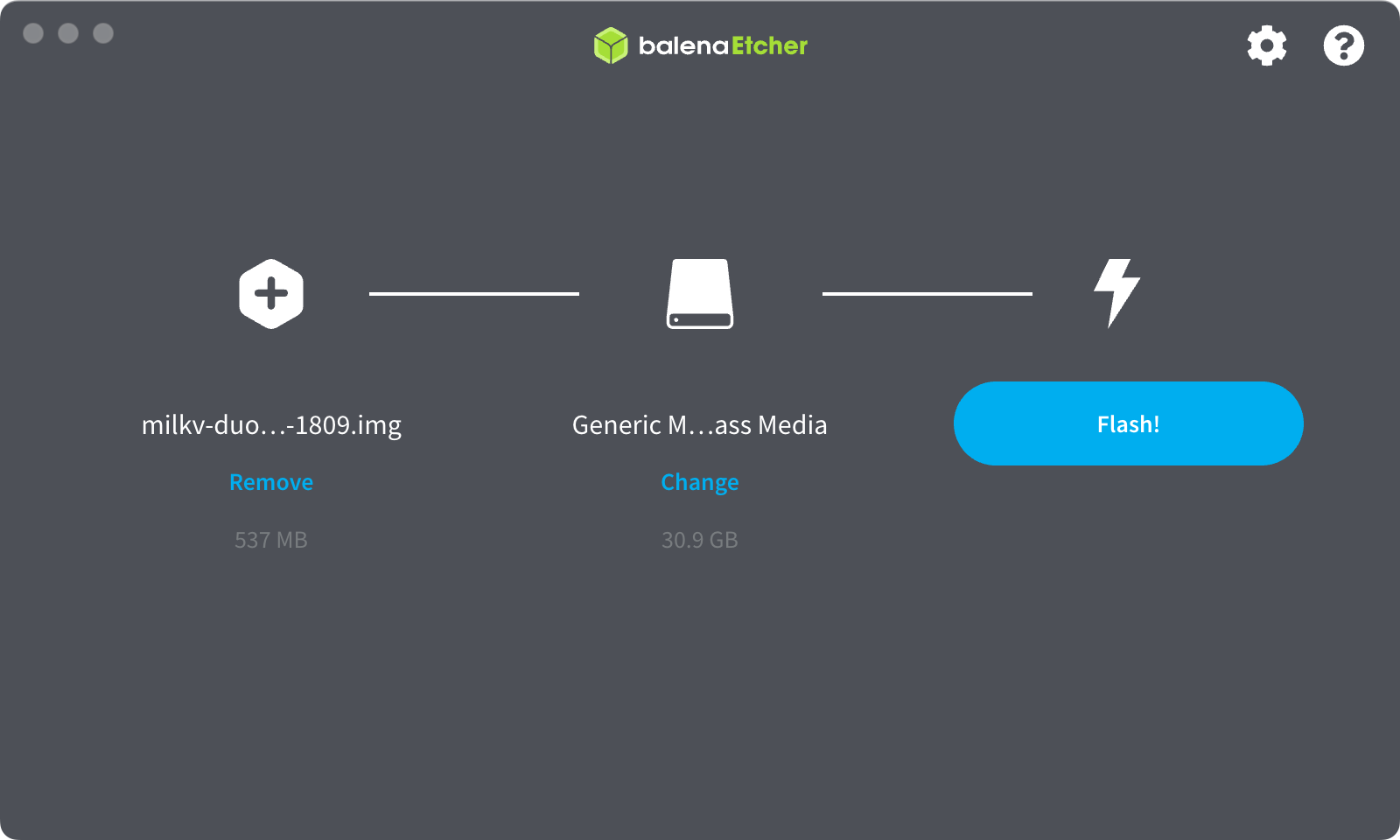
Here are the steps for using balenaEtcher.
- Click Flash from file
- Click Select target
- Click Flash!
Power on
Connect the Duo with a Type-C cable using an adapter (5V) or computer USB.
The blue LED on the Duo will blink.
Troubleshooting
If you have a problem, go to our community and post to let us know.